Only Fire TV Remote app icon
Only Fire TV Remote

Remote lost.
Phone found.

Your phone finds the Fire TV on your Wi-Fi, pairs with a four-digit PIN shown on the screen, and takes over from there.

The free version is a whole remote, not a preview of one.

Coming soon on theApp Store In development forGoogle Play
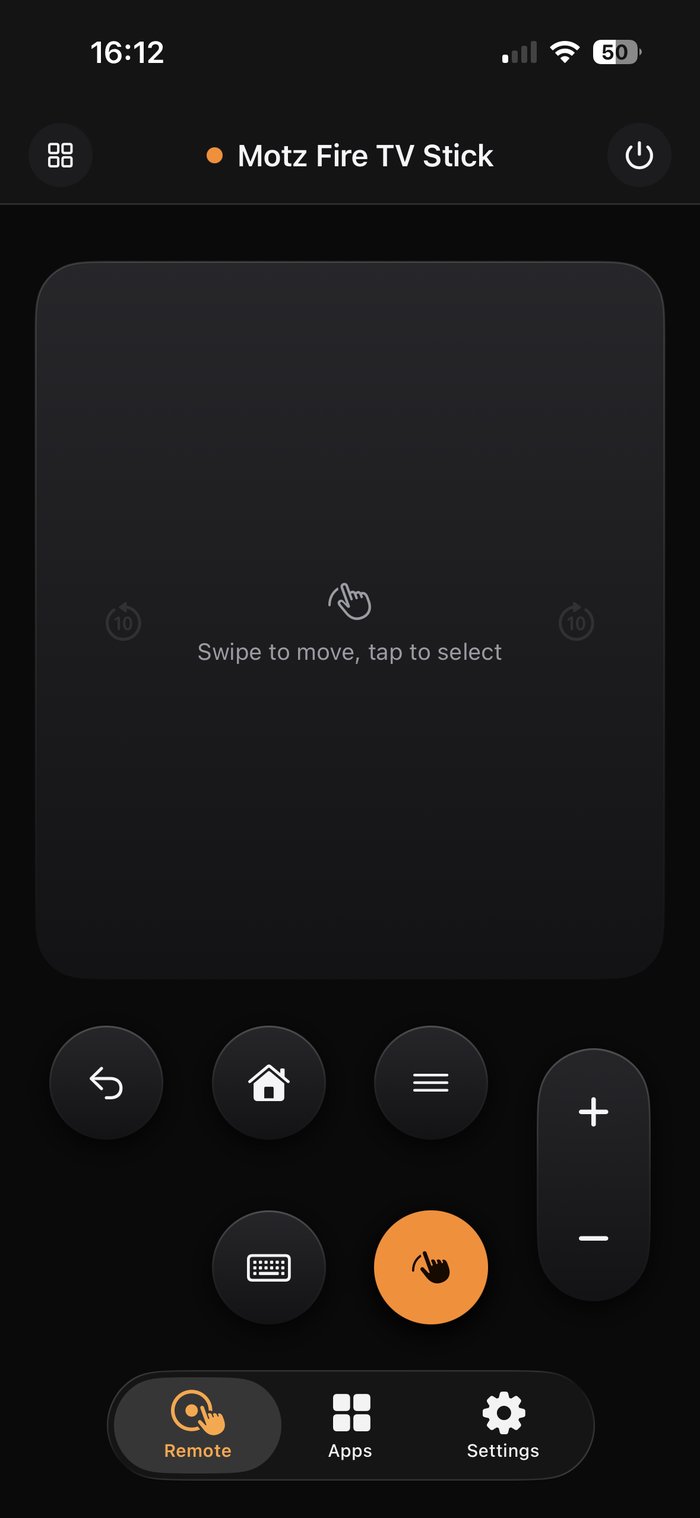
The remote screen with the ring-shaped D-pad, back, home and menu buttons and a volume rocker
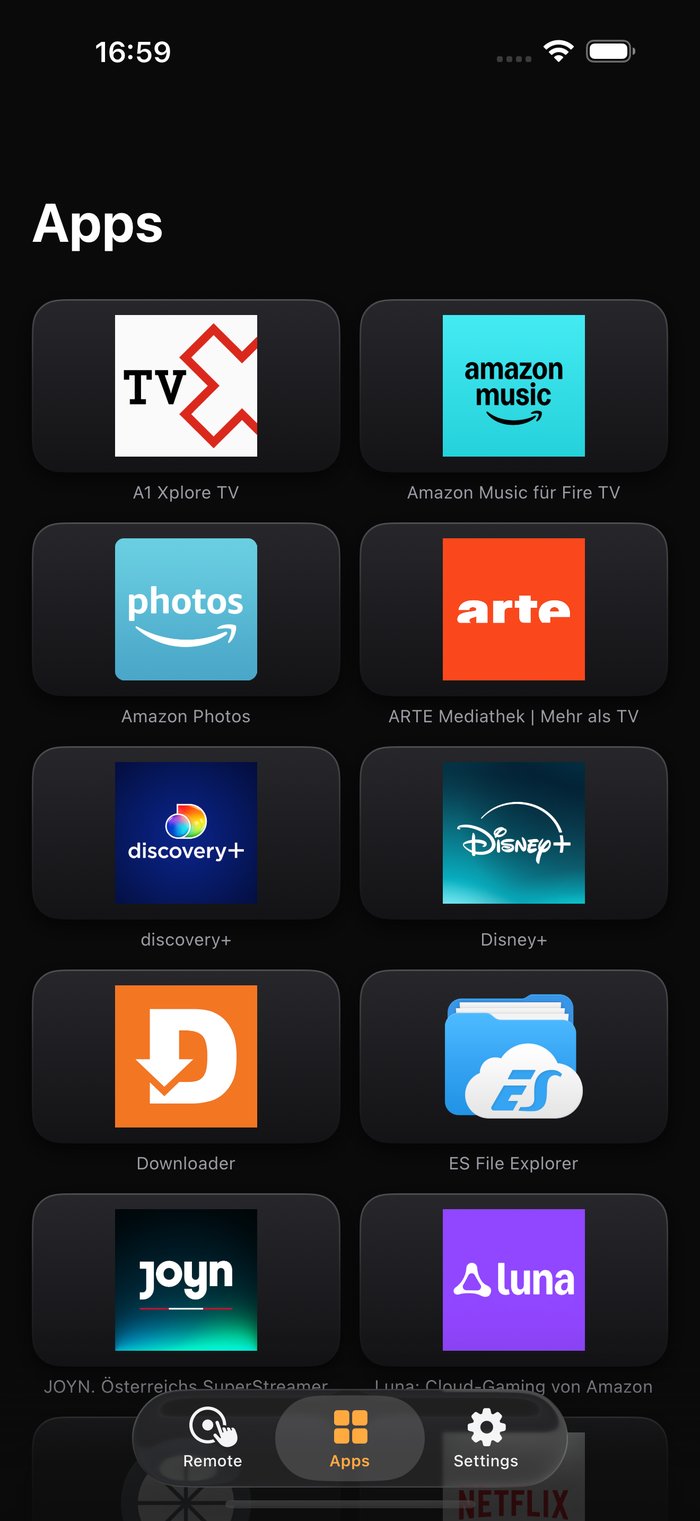
The apps screen showing the apps installed on the Fire TV as labelled tiles
A rearranged remote layout with playback controls above the D-pad

The one you reach for at 11pm

No setup ritual, no cables, no developer settings — and nothing between you and the buttons.

Paired in under a minute

Open the app, pick your Fire TV, and type the four digits it puts on your screen. That is the entire setup, and you only do it once.

Every button that matters

D-pad and OK, back, home, menu, playback and sleep. Volume and power are there too — they reach your television wherever it accepts them.

Nothing in the way

No ads, no banners, no popup asking you to rate the app while you are trying to pause. One screen, one job.

Build the remote you actually use

Press and hold anywhere and every button starts to wiggle, exactly like your home screen. Drag them to where your thumb already is, drop the ones you never press into the tray, pull out the ones you miss.

The D-pad takes whatever space is left over, so the layout stays usable no matter what you move. One tap puts everything back.

Pro Drag and drop Reset anytime
Editing the remote layout: every button carries a remove badge and a tray sits at the bottom

Straight into your apps

The list comes from the Fire TV itself, with the real artwork — not a hand-kept list that goes stale the moment you install something. Tap once and the app opens on the television.

Pro Read from your device One tap to launch
Apps on the Fire TV shown as labelled tiles with their real logos

Swipe instead of tapping. Type instead of hunting.

The touchpad turns the whole screen into a trackpad — swipe to move, tap to select. Better than five presses of the down arrow.

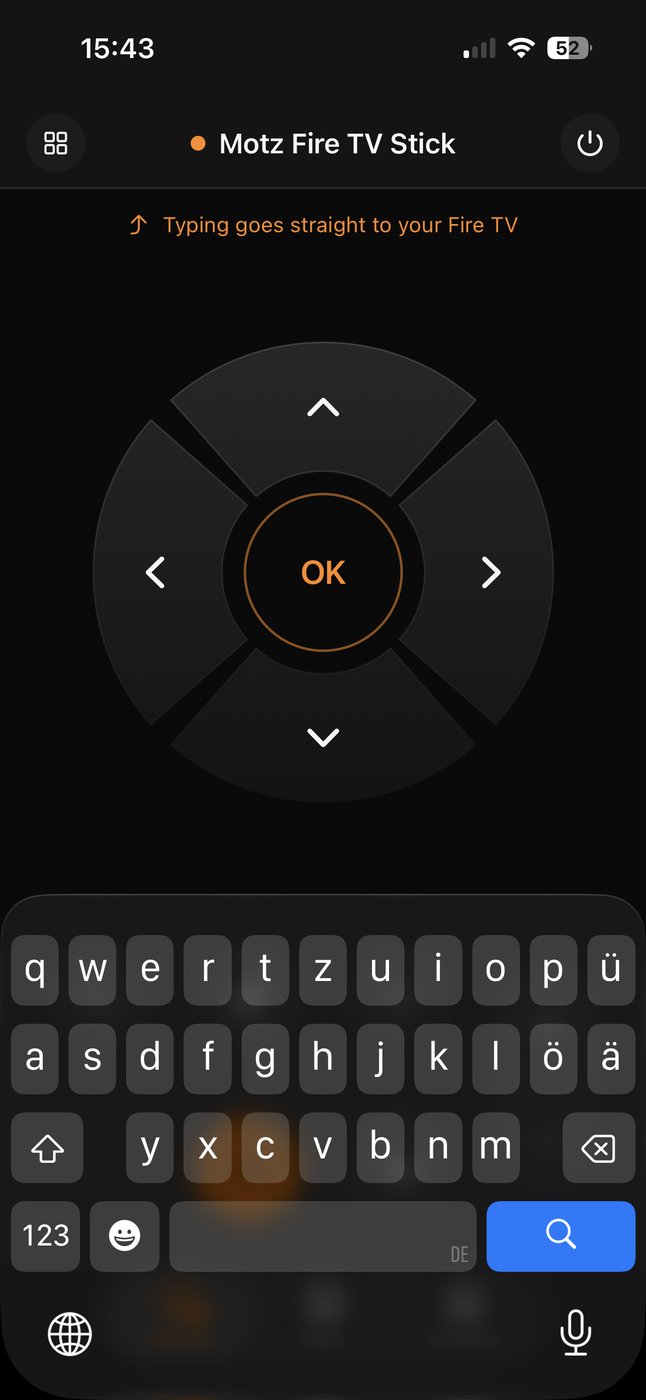
And when a search box appears on the television, use your phone keyboard instead of picking letters off a grid one at a time.

Pro Touchpad Keyboard
The touchpad filling the screen with the hint swipe to move, tap to select

Also on your wrist

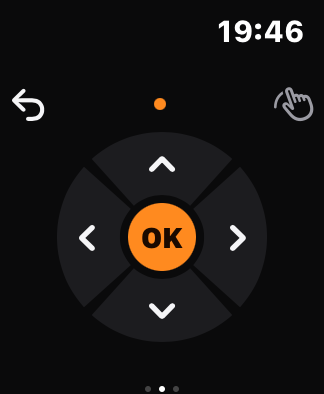
The Apple Watch app is a remote of its own, not a mirror of the phone. Swipe between the device page, a full-screen D-pad and the buttons, and turn the Digital Crown for volume.

It pairs with the television itself, so it keeps working while your phone stays in the other room.

Pro Apple Watch Digital Crown Pairs on its own
The Apple Watch app showing the ring-shaped D-pad with OK in the middle

Free is the whole remote.

Unlock Pro once for €4.99 and it stays unlocked.

No subscription. No expiring trial. No ads in either version.

Free

Forever
  • Find and pair one Fire TV
  • D-pad, OK, back, home and menu
  • Volume, power and playback
  • No ads, ever
€4.99 once

Pro

One-time purchase
  • Your own layout — the editor
  • Apps tab with one-tap launch
  • Typing and the touchpad
  • Apple Watch app
  • As many Fire TVs as you like
  • Support the independent development of Only Fire TV Remote.

Everything in Pro is something you start to miss once the app is part of your evening — none of it stands between you and a television you need to pause right now.

It talks to your television, not to us

No account, no sign-in
No analytics and no tracking
Pairings and purchase stay on your phone
No server of ours in between

The one thing loaded from the internet is app artwork, fetched once from the address your Fire TV names — and you can clear it in the settings.